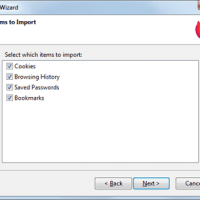
How To Import Chrome Data To Firefox: History & Bookmarks
How to easily import Chrome data to Firefox: History, Bookmarks, Passwords and Cookies. Useful if switching from Chrome to Firefox or using both.

How to easily import Chrome data to Firefox: History, Bookmarks, Passwords and Cookies. Useful if switching from Chrome to Firefox or using both.

Encrypt your website traffic by installing a browser add-on that forces HTTPS encryption on all sites that support it.
Some tips that may hopefully benefit color blind readers – but I really hope that our visitors can add a few more.
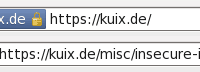
It is easy to add back a ‘secure site’ padlock icon to newer versions of Firefox with the aptly named Padlock Icon add-on.
A time saving tip for Firefox lets you search for text in webpages more quickly.
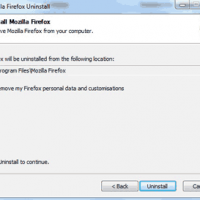
Upgrading Firefox over several years can leave it sluggish and prone to errors, just like Windows. Reinstall it to fix speed and stability issues.
Testing Firefox RAM usage versus IE and Chrome – the results are surprising.
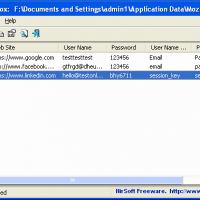
How to protect sensitive information such as logins and saved passwords by encrypting them using a Firefox master password for best security.
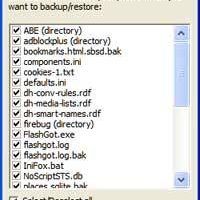
The best way to backup all your Firefox profile (including bookmarks, add-ons, passwords and tweaks) is the free MozBackup program.
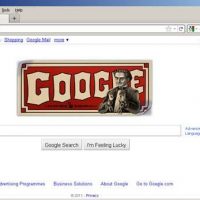
How to change the layout of Firefox 4 to look more like Firefox 3.