
Enforce HTTPS Encryption on All Supported Websites
Encrypt your website traffic by installing a browser add-on that forces HTTPS encryption on all sites that support it.

Encrypt your website traffic by installing a browser add-on that forces HTTPS encryption on all sites that support it.
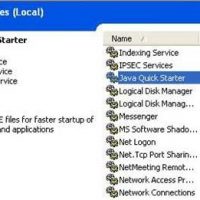
You may notice that one of your running processes in Task Manager is jqs.exe – Java Quick Starter. But what is jqs.exe and do you really need it?
Some tips that may hopefully benefit color blind readers – but I really hope that our visitors can add a few more.

It is possible to customize Task Manager to add more information, change the look and feel – and even change the colors of its graphs and lines.
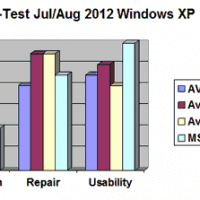
We review which is the best free antivirus – Avast, AVG, Avira or MSE.
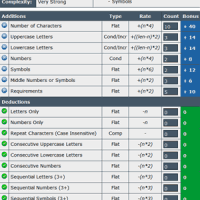
To avoid your accounts like email and Facebook being hacked, use strong passwords. Test your password strength easily with this visual tool.

Readability is a free add-on for web browsers. It converts a web page article into a clean and comfortable reading view – and can send it to a Kindle.
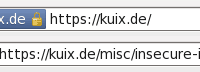
It is easy to add back a ‘secure site’ padlock icon to newer versions of Firefox with the aptly named Padlock Icon add-on.
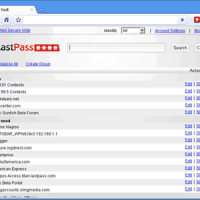
How to add Master Password functionality and improved security to a major web browser like Chrome or IE using the LastPass extension.
Google Chrome does not have a master password to protect your saved website login passwords – how secure are your saved passwords in Chrome?